
Contractor Academy
Show the project before you price it
A short path for landscaping, outdoor-living, pool, and design/build contractors. Each lesson uses the Studio and gallery tools that are on the site today. The lessons are free to read.
Lesson 1 · On site · 1 min read
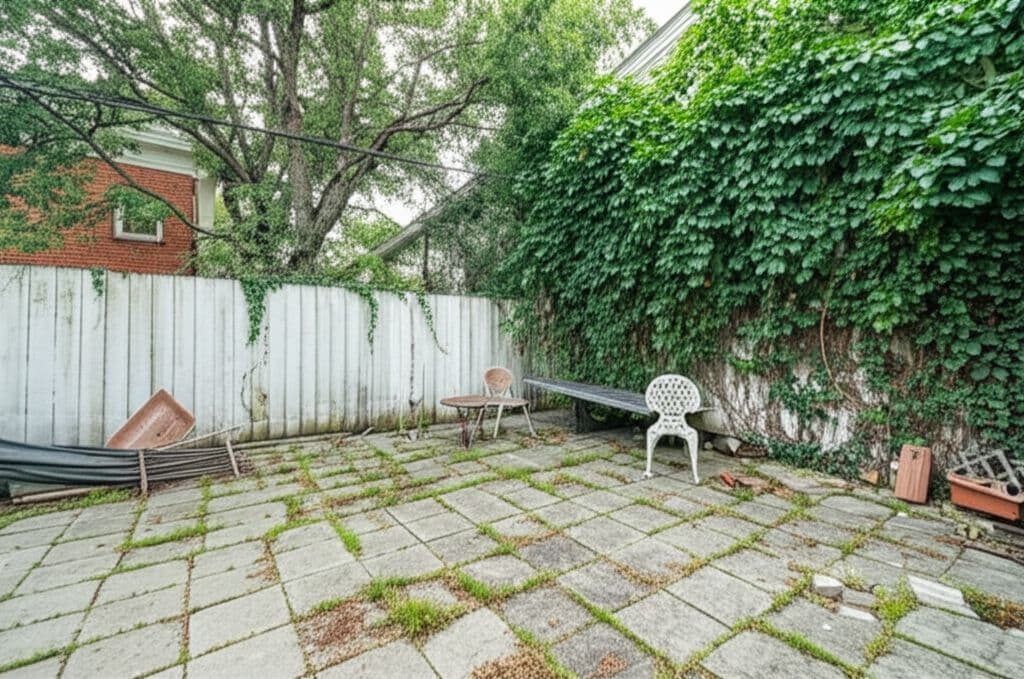
Photographing a job site
A useful concept starts with a photo that shows the property as it is. Take that photo before you open Studio.
Lesson 2 · Studio · 2 min read
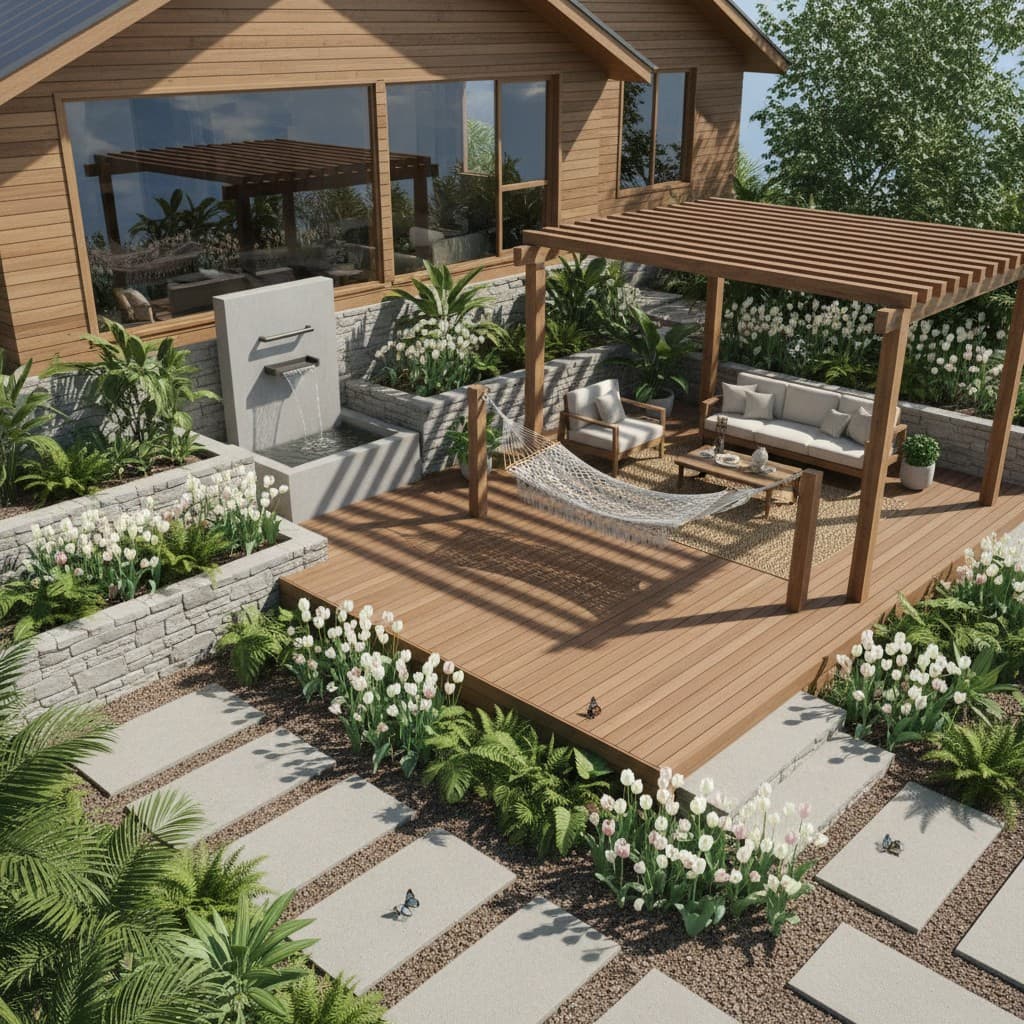
Creating a concept in Renderspace
Upload the job-site photo, set the Landscape controls that match the work, and name finishes the dropdown does not list.
Lesson 3 · Studio · 1 min read
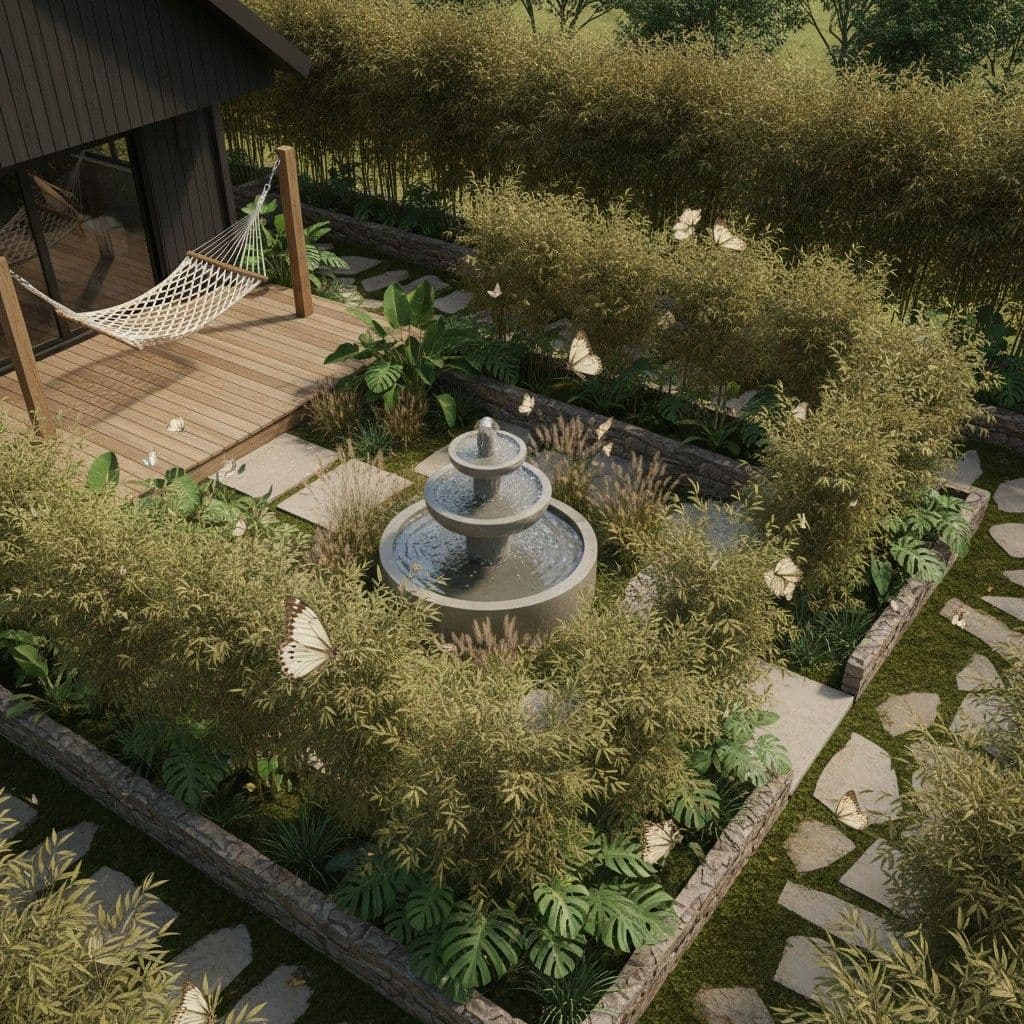
Exploring design alternatives
Use the same job-site photo to show two or three directions. Gallery presets are starting points, not finished designs for that property.
Lesson 4 · Sales · 1 min read
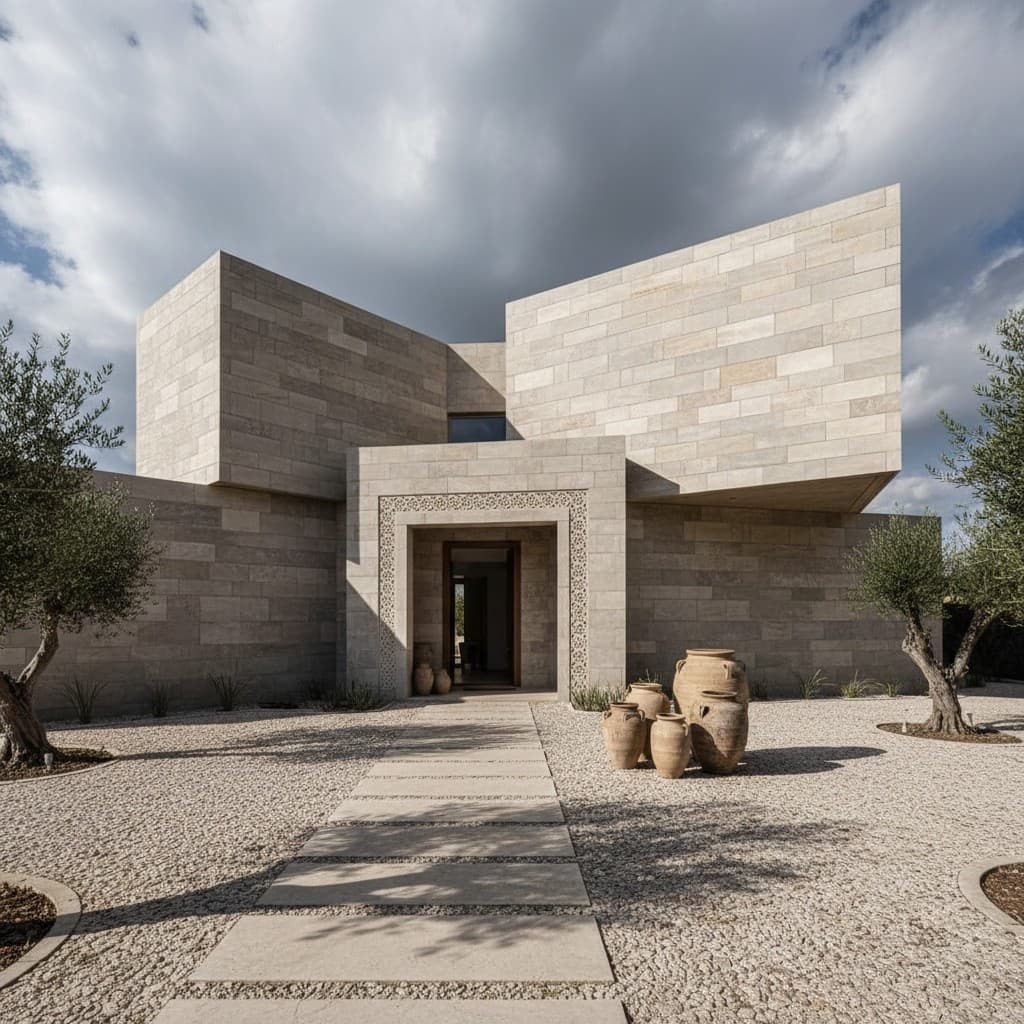
Building a visual proposal
Pair one chosen concept with the scope you are actually pricing. The image does not replace allowances, exclusions, or assumptions.
Lesson 5 · Sales · 1 min read
Presenting the concept to a homeowner
Use the concept in the estimate or the follow-up meeting to confirm what they want, and to name what the picture does not decide.
Lesson 6 · Sales · 1 min read
When to use Human Polish
Stay in Studio while you are exploring. Use Human Polish when a person needs to produce the concepts or a presentation package for you.