
Contractor AcademyLesson 3 of 6
Exploring design alternatives
Studio · 1 min read
Use the same job-site photo to show two or three directions. Gallery presets are starting points, not finished designs for that property.
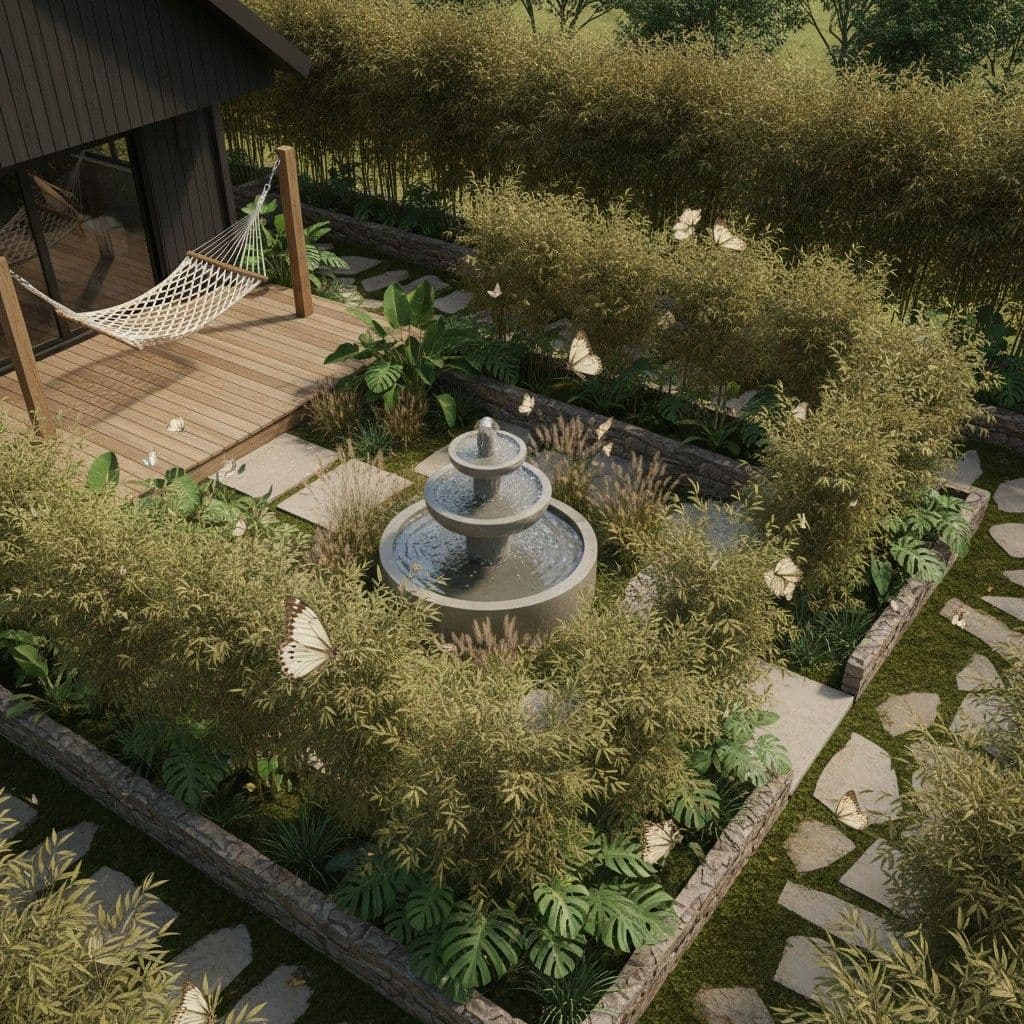
1. Keep the source photo
Do not swap the property photo between options. The comparison only helps if each concept starts from the same yard, facade, or pool area.
2. Change one decision at a time
For a pool conversation, set Water Feature to pool and change Hardscaping from pavers to stone, or the reverse. Leave the house and the camera position alone so the homeowner can see what changed.
3. Start from a published preset
Open a gallery preset to load its Studio controls and Design notes. Texas Hill Country limestone sets stone hardscape, stone walls, and a note for cream limestone. Pool and hardscape transformation sets a pool, pavers, a pergola, and a note for limestone coping, travertine, and cedar. Every setting on the form can still be changed.
4. Stop at a few directions
Two or three concepts are enough for an estimate meeting. More images make the choice harder. Name each direction in plain language, such as stone and lawn, or pool and pergola, before you show them.