Renderspace
Win More Projects in the First MeetingShow Clients a Photorealistic Design in 30 Seconds
Upload a jobsite photo, generate a client-ready concept on the spot, and help homeowners visualize the upgrade instantly.
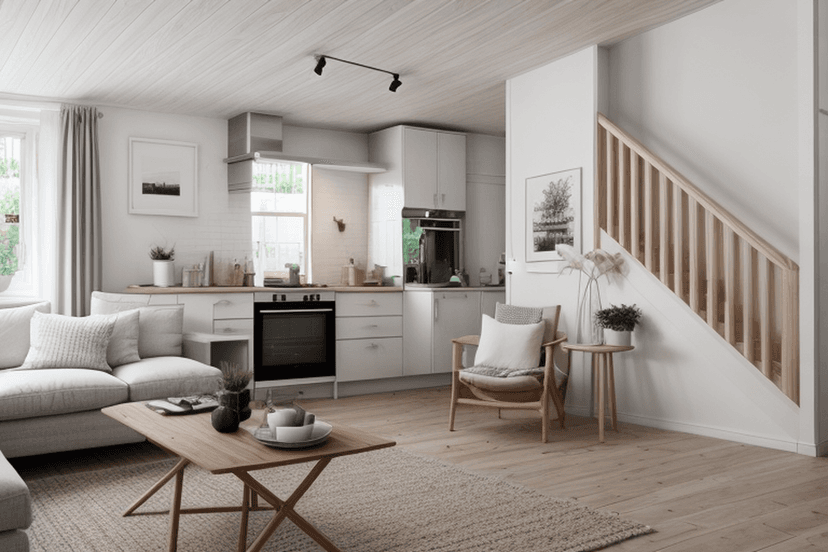
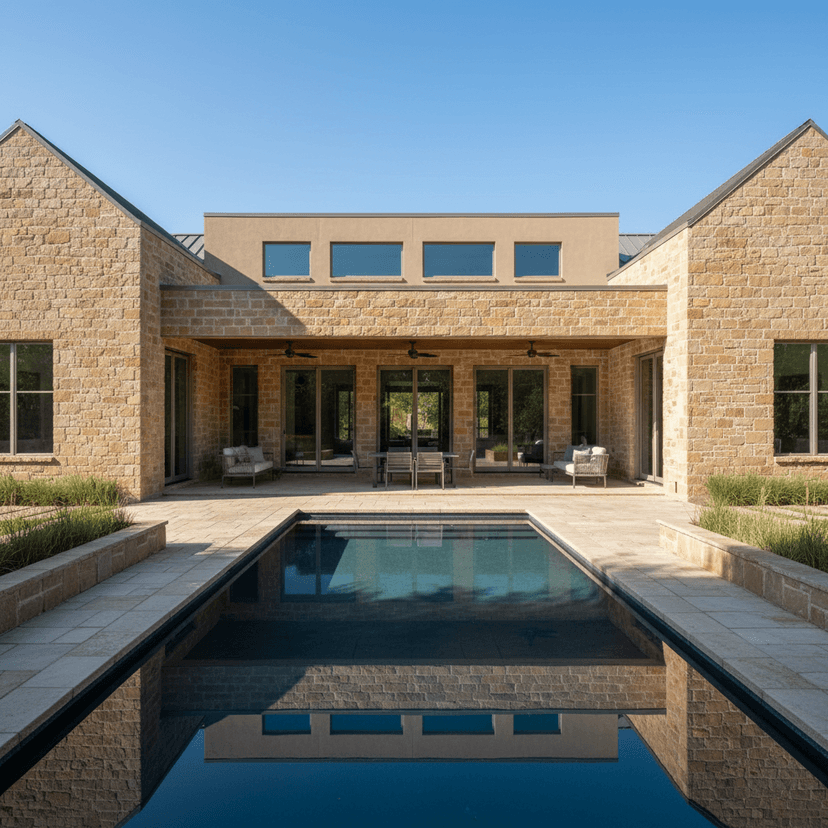
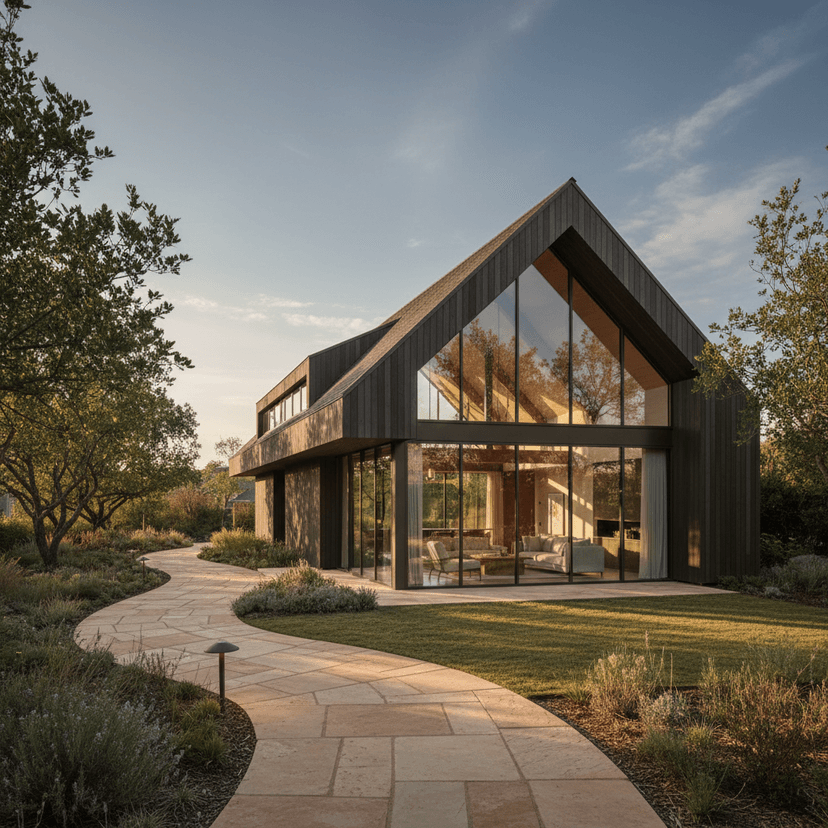
Generated in Renderspace AI
Our AI-powered platform helps you create professional design visualizations quickly. Generate concept renders tailored to your project needs.
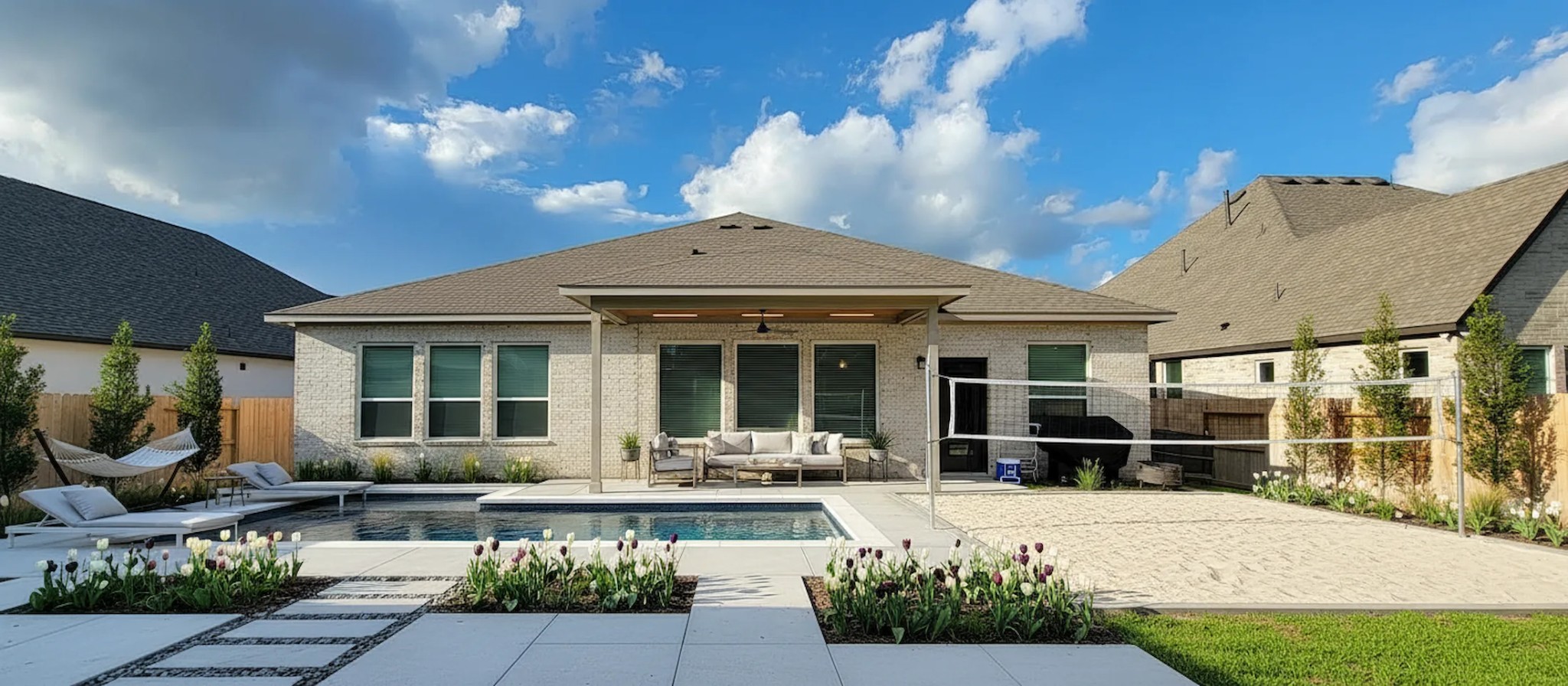
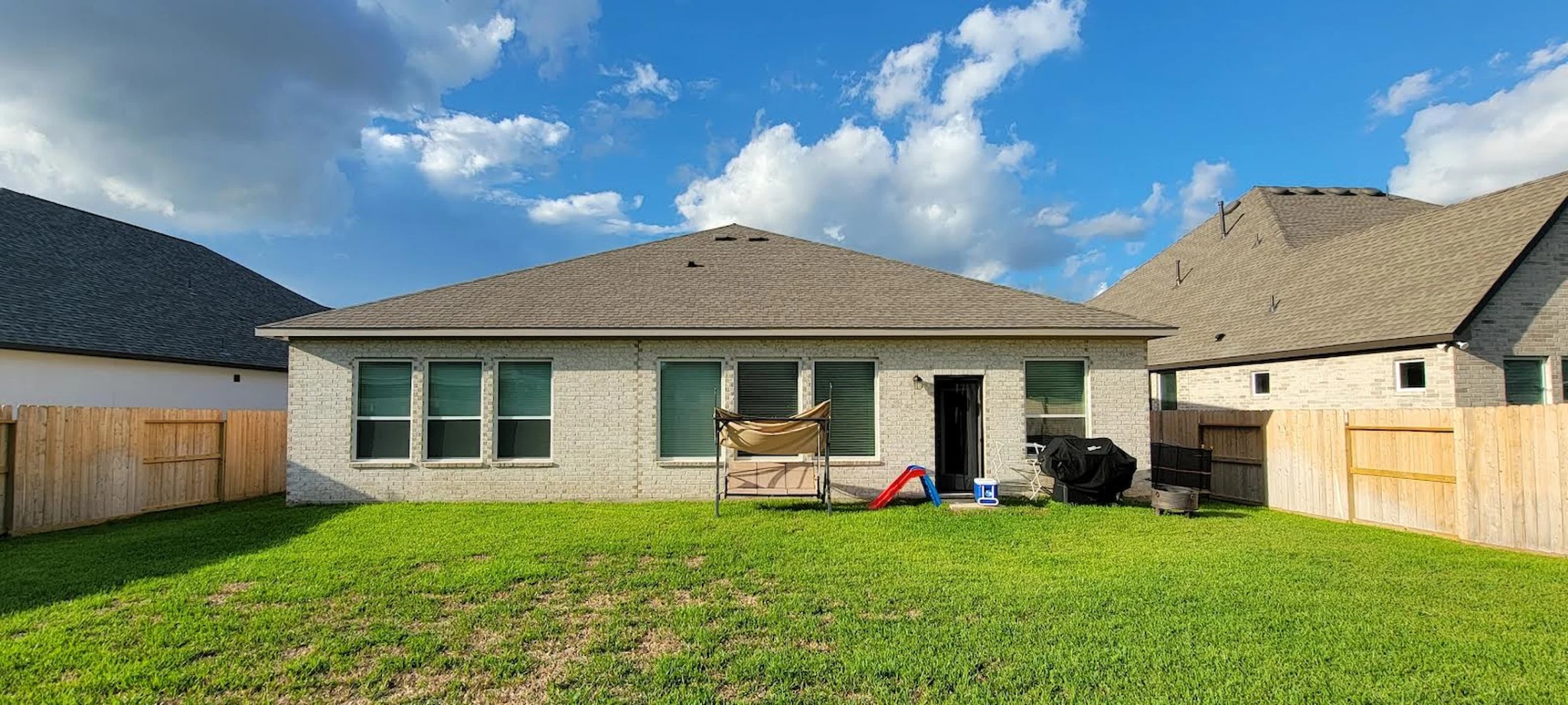
How It Works
From concept to client alignment in minutes
Start from real constraints
Upload a photo or reference and define the type of space you're working with — interior, exterior, or landscape.
Explore multiple directions instantly
Adjust style, mood, and key variables to generate multiple design directions in seconds.
Show options live with clients
Generate and compare concepts in real time to guide conversations and get early buy-in.
Lock direction before committing
Use aligned concepts as a visual reference before moving into detailed plans, pricing, or construction.
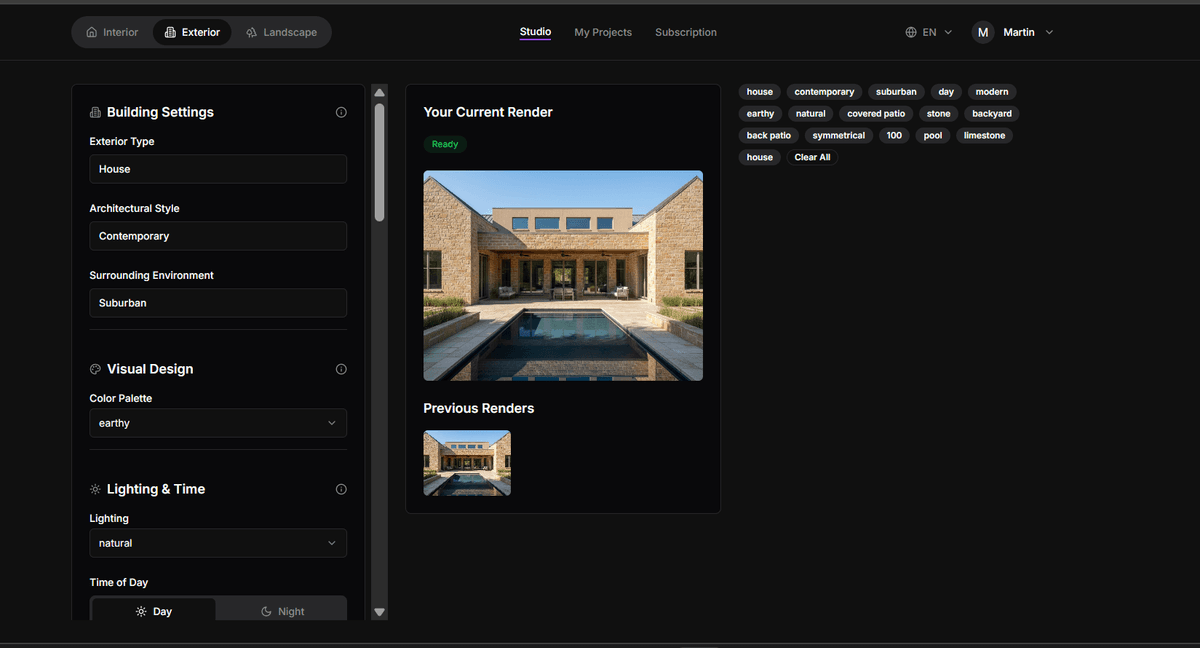
Live Product Demo / Actual Renderspace Interface (Sneak Peak)
See How Renderspace Works in 30 Seconds
Generate client-ready design concepts from real photos in seconds.
Traditional renderings cost $300–$1200 and take days.
⚡ Renderspace generates concepts in seconds.
| Feature | Most PopularRenderspace | Traditional Rendering | Midjourney | MyArchitectAI | Veras |
|---|---|---|---|---|---|
| Target User | ✔ | ✔ | ⚠ | ✔ | ✔ |
| Real Photo Input | ✔ | ✔ | ⚠ | ✔ | ✔ |
| Geometry Preservation | ✔ | ✔ | ⚠ | ⚠ | ✔ |
| Works During Client Meeting | ✔ | ⚠ | ✘ | ⚠ | ⚠ |
| Rendering Speed | 20–40 sec | 3–7 days | 10–30 sec | 30–60 sec | 1–3 min |
| Cost Per Render | < $0.20 | $250–$1200 | < $0.05 | < $0.10 | < $0.30 |
| CAD Required | ✘ | ✔ | ✘ | ✘ | ✔ |
| Professional Licensing | ✔ | ✔ | ✘ | ⚠ | ✔ |
| Iteration Volume | 6000 / month | 1–3 renders | Unlimited | Limited | Limited |
| Client-Ready Concept Time | < 1 minute | 3–7 days | ⚠ Not reliable | ⚠ Moderate | ⚠ Moderate |
| Sales Visualization Workflow | ✔ | ⚠ | ✘ | ⚠ | ⚠ |
✔ Strong fit ⚠ Moderate fit ✘ Not optimized
Design for AI:
AI Solutions to Transform Your Space

Interior Designers
Enhance your workflow and create stunning visualizations for clients in minutes. Explore more design variations and increase productivity.

Contractors
Quickly generate concept visualizations to align with clients before breaking ground. Speed up project approvals and reduce rework.

Landscapers
Show clients outdoor design concepts on-site during consultations. Close more deals with instant visualizations that demonstrate potential.
Architects
Visualize architectural concepts and present them to clients with photorealistic renderings. Iterate designs quickly and efficiently.
Choose Your Plan
Find the perfect plan for your design needs, from one-time projects to professional use
New here? Try Renderspace on a real job for $19.99
40 credits • 7 days • perfect for your next estimate
Automatically upgrades to Professional if you decide to continue.
Try 40 Credits for $19.99One render can help close a $20,000 project
Renderspace costs less than 0.5% of a single job.
What could one better closing rate mean for your business?
Even small improvements in client visualization can dramatically increase project approvals.
Estimated Monthly Upside
$12,000 / month
Plan cost: $99
ROI multiple: 121x
If Renderspace helps you close just one extra project every few months, it easily pays for itself.
Redesign NowProfessional
Monthly subscription
- 500 generations / credits per month
- 4K resolution
- All style options
Business
Monthly subscription
- 6000 generations / credits per month
- 4K resolution
- Commercial license
Customer Stories
See what our users are saying about Renderspace
Codey H
Principal, CC Homes
"Renderspace has been great at helping us put together mood boards in a fraction on the time and costs as the Fiverr workers we used to use!"
Angel R
Project Manager, Texas Backyard Kings
"I've been able to double last years deal flow by showing customers concepts for their project on site rather than the back and forth with our in house design team. We've saved hours of rework and on track to add 50% revenue"
Set Clear Expectations
Renderspace is designed to support early decision-making — not replace detailed design work.
Best Used For
- Early-stage design concepts
- Client alignment and approvals
- Exploring multiple visual directions quickly
- Sales conversations and project scoping
Not Intended For
- Construction drawings or permits
- Final material specifications
- Engineering or architectural documentation
- Build-ready plans
FAQ
Don't wait to Create.
Start Designing Your Ideal Space Now!
Join professionals using Renderspace to create concept visualizations and align with clients faster.
Redesign Your Space