
Pergola Design From a Photo: Show the Shade First
How to show homeowners a pergola or patio cover on their own house before the quote, what the concept should decide, and what it can't replace.
By KeSean Fallon
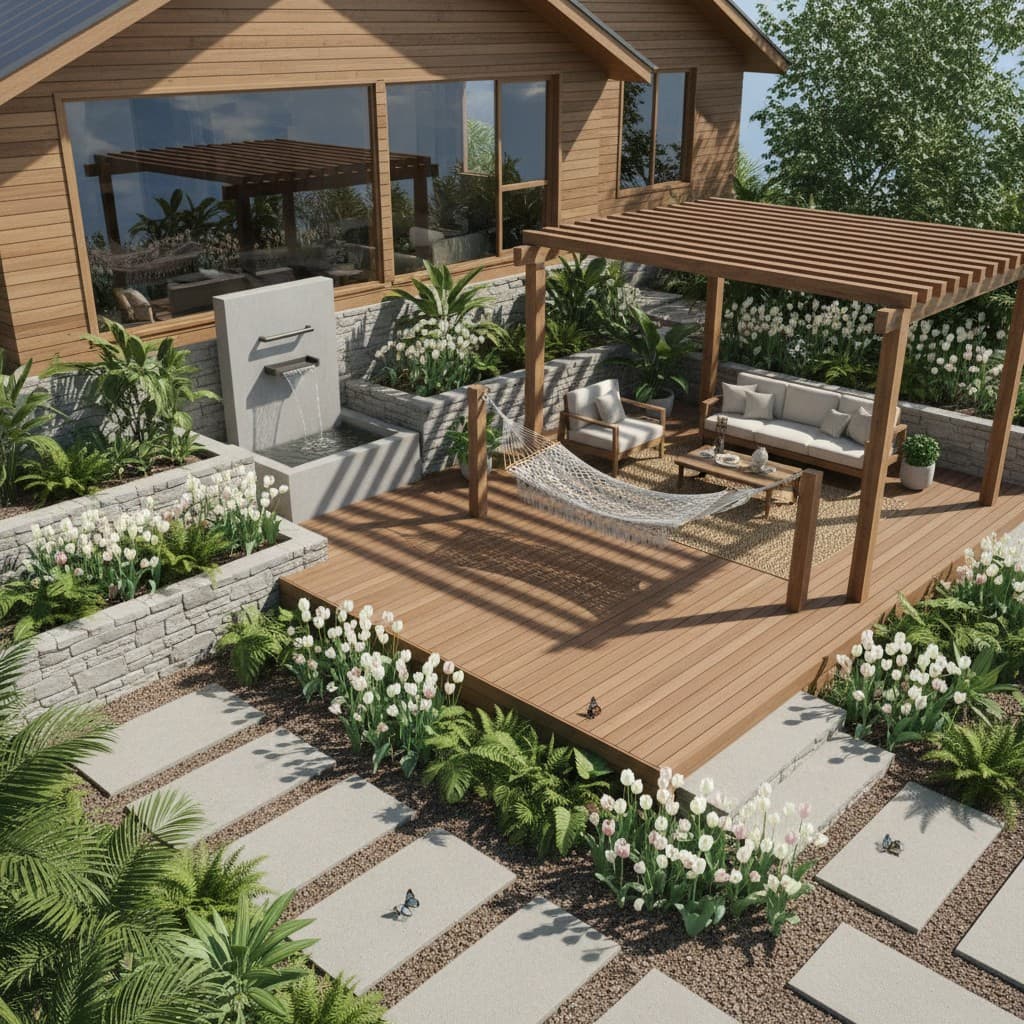
You can show a client a pergola or patio cover from a photo by turning a picture of their existing patio into a photorealistic concept of the same space with the structure built. It takes about 30 seconds with an AI rendering tool, and it answers the questions that stall these jobs: how big it will feel, how it meets the house, and what it does to the view.
Pergolas and patio covers look simple in a brochure. On a real house they raise a lot of questions, and most of them are visual.
One of the trickiest things about selling a patio cover is that homeowners aren't always sure what kind of structure they want. They know the patio gets too much sun, but should they attach a solid roof to the house or build a freestanding cedar pergola? Will the posts make the backyard feel smaller? And what happens to the natural light coming through the windows? These aren't questions you can settle with a material sample. I'd rather show both options on the actual house than spend half the appointment describing them.
Why do pergola and patio cover jobs stall?
Because the homeowner is trying to picture a structure in the air above a slab they walk across every day. The questions are all about how it will look and feel:
- Will it make the back of the house look heavy or dark?
- Will it block the view from the kitchen window?
- Should it be attached to the house or freestanding?
- Wood, aluminum or steel? Open slats or a solid roof?
- Does it go with the roofline?
A brochure answers none of those for their house. A catalog photo shows someone else's patio, usually in perfect light. So the homeowner asks for a few more days to think, and starts looking at other bids.
What are the ways to show a client a pergola before you build it?
Planning software. Tools built for structure design help you size the pergola and produce a list of what to buy. Simpson Strong-Tie's Pergola Planner, for example, produces a plan with a materials list and a cut list, and the company describes it as letting "contractors or homeowners design the perfect pergola in just a few minutes" (Simpson Strong-Tie blog). That is useful for the build.
Portfolio photos. Good for showing your workmanship. Not good for showing how a structure will look on this particular house.
An AI concept from a photo. You take a phone photo of the existing patio and generate a photorealistic concept of the same space with the pergola or cover in place. With Renderspace a render typically comes back in about 30 seconds, and settings carry over, so you can change one thing at a time: cedar to black steel, open slats to a solid roof, freestanding to attached.
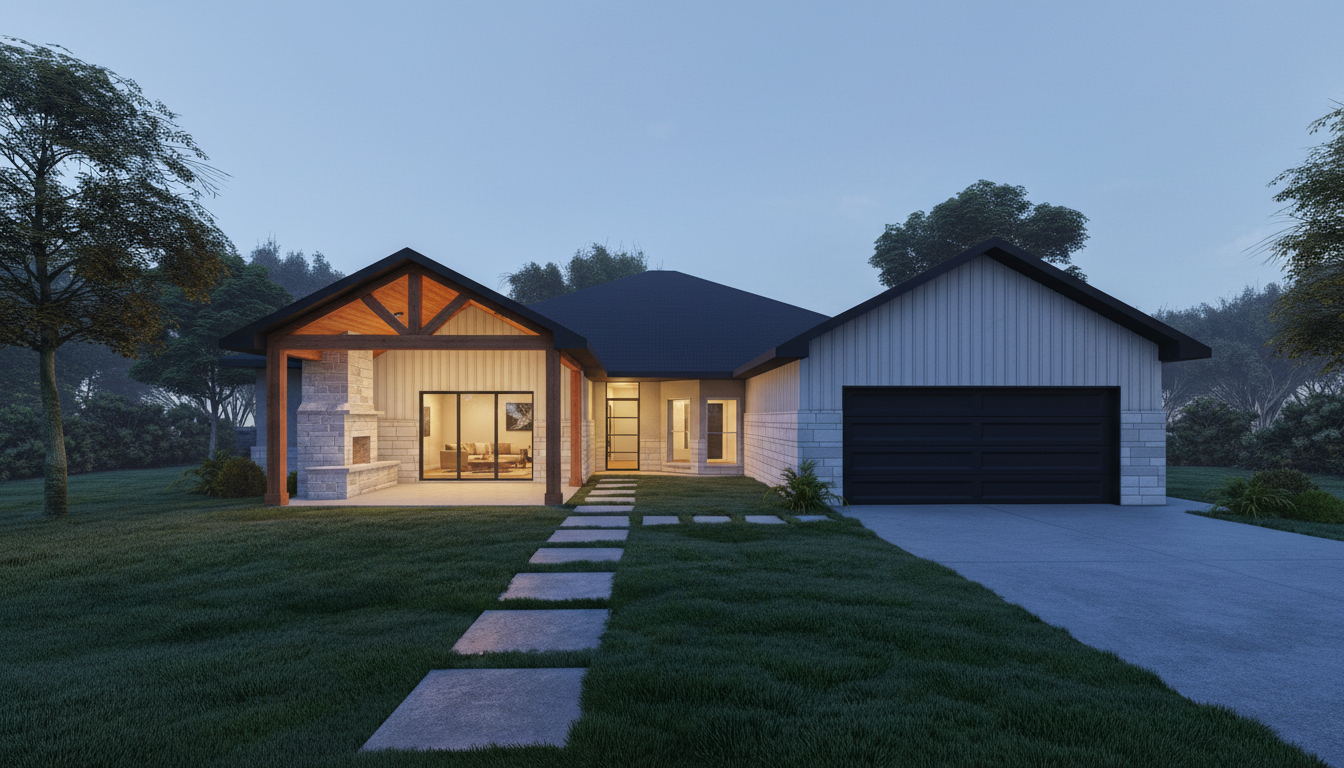
See this concept in the Renderspace gallery
Many contractors will use both: a concept to agree on the look, and planning or engineering tools for the build. If the job also includes new paving under the structure, see hardscape visualization from a job-site photo.
How do you shoot the photo for a pergola concept?
- Stand where the family will see it most. Often the kitchen door or the far end of the yard looking back at the house.
- Include the roofline and the full patio so the concept can show how the structure meets the house.
- Shoot in daylight, level. Even light makes the cleanest concept.
- Take a second angle if the structure will be visible from inside the house.
I think the biggest mistake is designing a pergola around how it looks instead of how the homeowner will actually use it. A beautiful open-slat structure doesn't necessarily solve the problem of a west-facing Texas patio baking in the afternoon sun. Neither does a massive solid roof that makes the kitchen feel like a cave. Get the proportions and intended use right first. Then explore the details. With Renderspace, you can specify cedar beams, black powder-coated steel, limestone columns or even integrated lighting through custom prompts, rather than settling for a generic pergola.
What should the concept help the homeowner decide?
Keep the first pass to the big choices, because those are what the homeowner is really stuck on:
- Attached or freestanding.
- Open or covered. Slats for filtered light, or a solid roof for rain and full shade.
- Material and color. Natural wood, painted, aluminum, black steel.
- What goes under it. A dining set, an outdoor kitchen, a fireplace or a spa.
Then show two versions side by side. The homeowner picks a direction, and your proposal follows it. For the cooking side of the same patio, see outdoor kitchen rendering from a job-site photo.
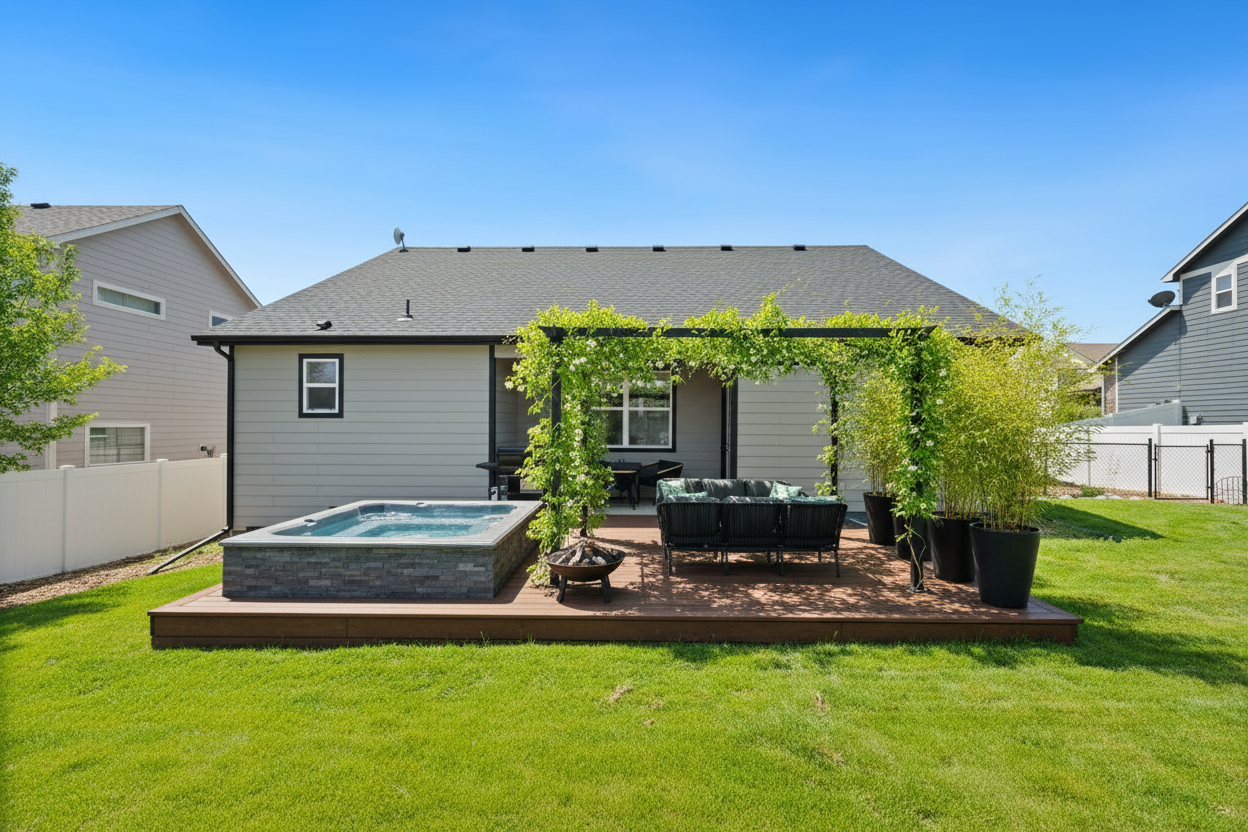
See this concept in the Renderspace gallery
What can't a pergola rendering do?
It cannot size posts and beams, check spans or wind and snow loads, or tell you how to attach a ledger to the house. It is not an engineered plan, a permit set or a construction drawing. Those stay with your design process, your supplier's guidance and the local building department. Label the concept as a visualization in your proposal.
On a patio cover project in Grand Prairie, Texas, the plan review requirements went well beyond choosing an attractive roof. The city wanted clarification on roof covering compatibility with a low slope, ledger anchoring into the home's framing rather than brick veneer, and structural connection details. That's exactly why I separate visualization from construction planning. Show the homeowner the design first, but don't mistake that picture for permit-ready documentation.
What this looks like on a real job
Here's how I'd approach the next patio cover consultation using Renderspace. Start with a photograph of the existing concrete patio, making sure the back wall, windows and roofline are visible. I'd ask whether the homeowner primarily wants shade, rain protection or an outdoor entertaining space.
The first concept might show a cedar pergola with substantial timber posts, an outdoor dining area and warm integrated lighting. Then I'd use custom prompts to explore a solid covered patio with a tongue-and-groove cedar ceiling, limestone columns or a different roof finish.
I'd show both concepts against the homeowner's actual house and ask which feels more natural. Once they've chosen a direction, I'd move into measurements, structural design and permitting. No point engineering two different structures before we even know which one they want. (More on that order of operations in showing landscape clients the design before construction.)
Frequently asked questions
Can I design a pergola from a photo of the patio?
Yes. With Renderspace you upload a phone photo of the patio and get a photorealistic concept with the pergola or patio cover in place, in about 30 seconds. It shows the look; sizing and engineering come from your design process.
Can I show attached and freestanding options?
Yes. Settings carry over between renders, so you can keep the patio the same and change one thing at a time, such as attachment, roof style or material.
Can I use the renders on my website?
On every paid Renderspace plan you can use renders in proposals, on your website, on social and in ads. Reselling the images is not allowed. Browse more patio cover and pergola concepts in the Renderspace gallery.
Build the shade in their head before you build it on the slab
Imagine the next consultation. The homeowner is standing on a bare concrete patio in full sun, hand over their eyes, telling you they want "something like a pergola, maybe." You could leave with notes and a promise. Instead you take one photo from the kitchen door, and about 30 seconds later they are looking at their own patio under black steel beams, a dining table in the shade, the roofline meeting the structure cleanly.
"Maybe" turns into "can we do it in cedar?"
That is the job a fast photorealistic concept does. It helps contractors win bids faster, because homeowners commit sooner when they see their own space finished before the quote.
I built Renderspace so contractors could show a homeowner their vision without spending days creating a presentation for a job they haven't won. Whether it's a cedar pergola or a limestone-clad patio cover, you should be able to describe the details, generate a concept and discuss it right there.
Try it on your next patio cover lead. The First Job Test is $19.99 for 40 credits over 7 days, and it works from a phone photo.
Prefer to have a set of concepts made for you? Human Polish render packs cover it.
Related reading
- Outdoor Kitchen Rendering: From Job-Site Photo to Client Presentation
Outdoor kitchens are hard to describe and easy to downscope when clients cannot picture them. Photo-to-concept visualization on-site keeps the full vision on the table.
- Hardscape Visualization: Turn a Job-Site Photo Into a Client-Ready Concept
Hardscape sells on permanence, which makes it hard to sell with words alone. A photo-to-concept workflow on-site closes the picturing gap without replacing engineering.
- How Landscape Contractors Show Clients a Design Before Construction
Standing in a backyard describing a patio with your hands is a hard sell. Showing the same idea on their actual property, in minutes, changes the conversation.