
How to Help Clients Choose Hardscape Materials
Narrow hardscape choices to two or three, show each on the client's own yard, and let them swap one material at a time: how to help clients choose with confidence.
By KeSean Fallon
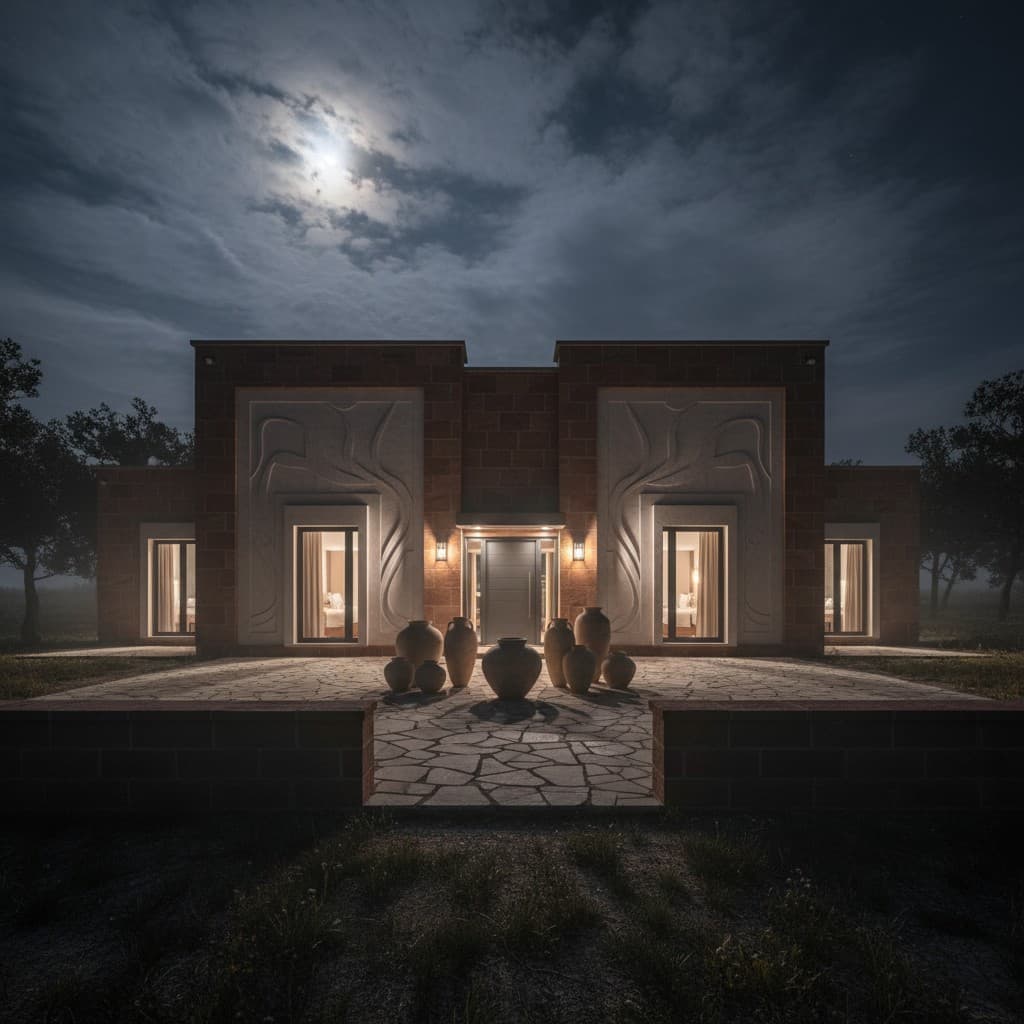
The fastest way to help clients choose hardscape materials is to narrow the list to two or three options that fit their budget, house and climate, then show each one on a photo of their own yard. Samples and catalog photos help, but most homeowners decide when they can see travertine, pavers or flagstone on their own patio, next to their own house.
Material choice is where good projects stall. It is also where a contractor can earn trust fast.
The frustrating part of choosing patio stone is that a homeowner can make a perfectly reasonable choice from a sample and still have no idea how it will look across the yard. Picture a slab of pale travertine held beside a brick wall. Up close, it's attractive. Spread over an entire patio in full afternoon sun, it's a different decision. Rather than pretend the sample settles it, I'd rather show two realistic finishes on a photo of the house and discuss them there.
Why is choosing hardscape materials so hard for homeowners?
Because the choice is expensive, permanent and hard to picture. A 12-inch sample in the hand looks nothing like 600 square feet of the same stone in afternoon sun against brick or stucco.
The trade-offs are real, too. Love Your Landscape, the National Association of Landscape Professionals' homeowner site, lays them out: concrete is usually the most affordable but hard to repair once it cracks or chips; concrete pavers come in many price points and are easy to replace one at a time; flagstone varies by region; and travertine brings a marble look outdoors. Its advice to homeowners is to let a landscape professional walk them through the options.
That is your job. The question is how to do it without three extra meetings.
Which hardscape materials should you show clients?
Two or three, not ten. A short list keeps the conversation moving. Total Landscape Care interviewed contractors on how clients decide, and the decision comes down to four things:
- Cost. Concrete pavers usually cost less than natural stone. Travertine costs more up front, and uncommon colors raise the price. Pennsylvania bluestone sits at the top.
- Look. Color, texture and style have to suit the house. Bluestone fits rustic and traditional homes; brick has a limited color range.
- Upkeep. Concrete pavers are porous and can stain. Bluestone does not need sealing.
- Function. Travertine's textured surface is slip-resistant and stays cooler, which is why it shows up around pools.
Region matters as well. In Central Texas, limestone and travertine suit the climate and the architecture. Around Dallas, brick and Lueders limestone fit traditional homes. Start from the house and the property, and the short list mostly picks itself.
In Central Texas, limestone and travertine are the first materials I'd put on the table for many patio projects, especially around brick and Hill Country-style homes. But I'd also encourage people to consider large-format concrete pavers. They can create a cleaner, more contemporary look without pretending to be natural stone. I wouldn't call one universally better; I'd compare heat, texture, maintenance and the actual installed price before recommending either.
How do you show clients material options before they commit?
Show each option on their property, side by side. Here is a simple way to run it on site:
- Take one photo of the patio, walkway or pool deck area from where the homeowner will see it most.
- Generate the first concept with the layout you have agreed on and your recommended material.
- Swap only the material. In Renderspace the settings carry over, so the layout, furniture and planting stay put while the paving changes from travertine to pavers to flagstone. Each concept takes about 30 seconds, typically 20 to 40.
- Put the options next to each other and let the homeowner pick. Then talk price.
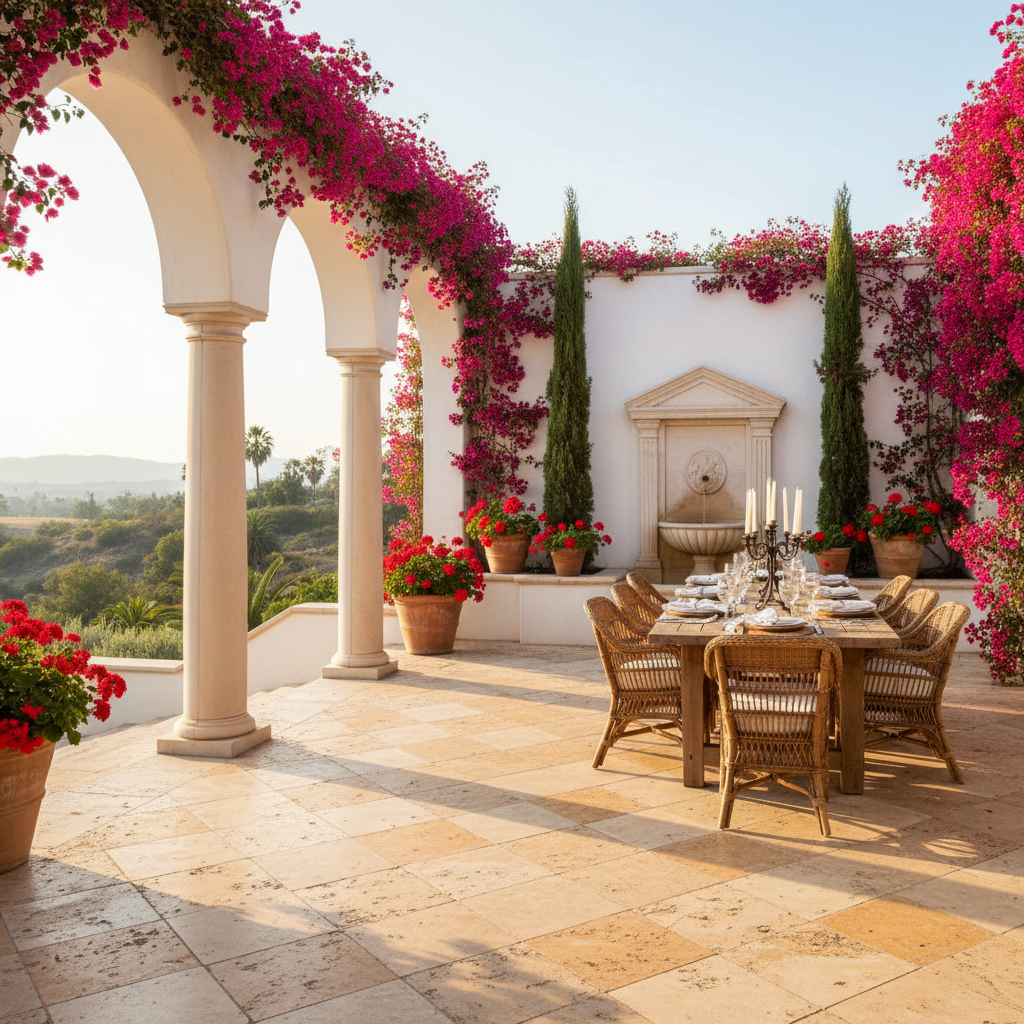
See this concept in the gallery
A concept shows the look. It does not replace the physical sample. Bring the real stone so they can feel the texture and see the true color, and tell them the concept is a visualization, not an exact color match.
What mistakes do contractors make when presenting materials?
One mistake is opening a giant catalog and asking the homeowner to pick whatever catches their eye. That sounds generous, but it strips away context. A stone might look beautiful on a showroom board and completely wrong next to reddish brick. Another is quoting the cheapest paver first without explaining why the base preparation, surface finish or edge treatment matters. Then the customer thinks every option is interchangeable. I'd narrow the field, show the materials on their own property, and put the cost difference beside each concept. That's a decision someone can actually make.
One common fix: set price expectations at the same time as the look. Contractors in the Total Landscape Care piece tell clients early when an uncommon travertine color will cost more. Jason Grate of Hursh's Landscaping put the case for spending a little more simply: get what you want so you have no future regrets.
What this looks like on a real job
Here's how I'd run the next material selection with Renderspace. Say we're planning a backyard patio against a warm brick house with some existing limestone accents. I'd photograph the space from the back door and generate a concept using tumbled travertine in a light beige tone. Then I'd keep the layout and planting concept consistent and use a custom prompt to specify charcoal large-format pavers. A third version could use irregular flagstone with tighter joints.
I'd show the homeowner those images side by side, then bring out the actual samples to check texture, color in daylight and how the materials feel underfoot.
Renderspace's prompt flexibility is particularly useful here. You can specify stone patterns, finishes, joint colors and surrounding landscape details instead of settling for generic material categories. If the homeowner prefers the flagstone look but the installation price changes the conversation, we've learned something useful before anybody orders material.
For more, see hardscape visualization from a job-site photo and visual proposals for homeowners, or browse material ideas in the Renderspace gallery.
Frequently asked questions
Can a rendering show the exact color of a stone?
Not exactly. Screens, lighting and stone batches all vary. Use the concept to choose the look and pattern, then confirm the color with a physical sample from the actual supplier.
How many material options should I give a client?
Two or three that fit the budget, the house and the climate. More than that usually slows the decision down instead of helping it.
Should I show the cheaper option first?
Show the option you would recommend for their property first, with an honest price range, then the alternatives. Clients can always choose down, but they rarely ask about an option they never saw.
Let them change their mind in front of you, not after you leave
Every contractor knows the call. The homeowner signed for pavers, then saw a neighbor's travertine and wants to talk. Now you are re-quoting, re-ordering and wondering if the job is still yours.
Most of that happens because the material decision was made from a sample and a promise. Give them the real choice on site instead. Show their patio in travertine. Then pavers. Then flagstone. Same yard, same layout, one change at a time, while you are standing next to them. They change their mind in front of you, and when they pick, they mean it.
A proposal should communicate the vision as clearly as the price, and the vision needs to bend when the homeowner does. That is what fast, photorealistic concepts do: they help contractors win bids faster, because homeowners commit sooner when they can see their own space finished before the quote.
I built Renderspace around these small decisions because they can hold up an entire job. A homeowner shouldn't need to wait days to see whether limestone or slate suits their house. Let them compare a specific finish in their actual space, change their mind, and move forward with greater confidence.
Try it on your next material conversation. The First Job Test is $19.99 for 40 credits over 7 days, and it works from a phone photo.
Related reading
- Hardscape Visualization: Turn a Job-Site Photo Into a Client-Ready Concept
Hardscape sells on permanence, which makes it hard to sell with words alone. A photo-to-concept workflow on-site closes the picturing gap without replacing engineering.
- Visual Proposals for Homeowners: Show the Finished Job
What a visual proposal is, why homeowners sign sooner when they can see the finished job, and how to build one from a site photo step by step.
- Are 3D Renderings Worth It for Contractors?
What 3D renderings cost, when a detailed model earns its price, and when a fast photo-based concept does the job better at the bidding stage.