
Visual Proposals for Homeowners: Show the Finished Job
What a visual proposal is, why homeowners sign sooner when they can see the finished job, and how to build one from a site photo step by step.
By KeSean Fallon
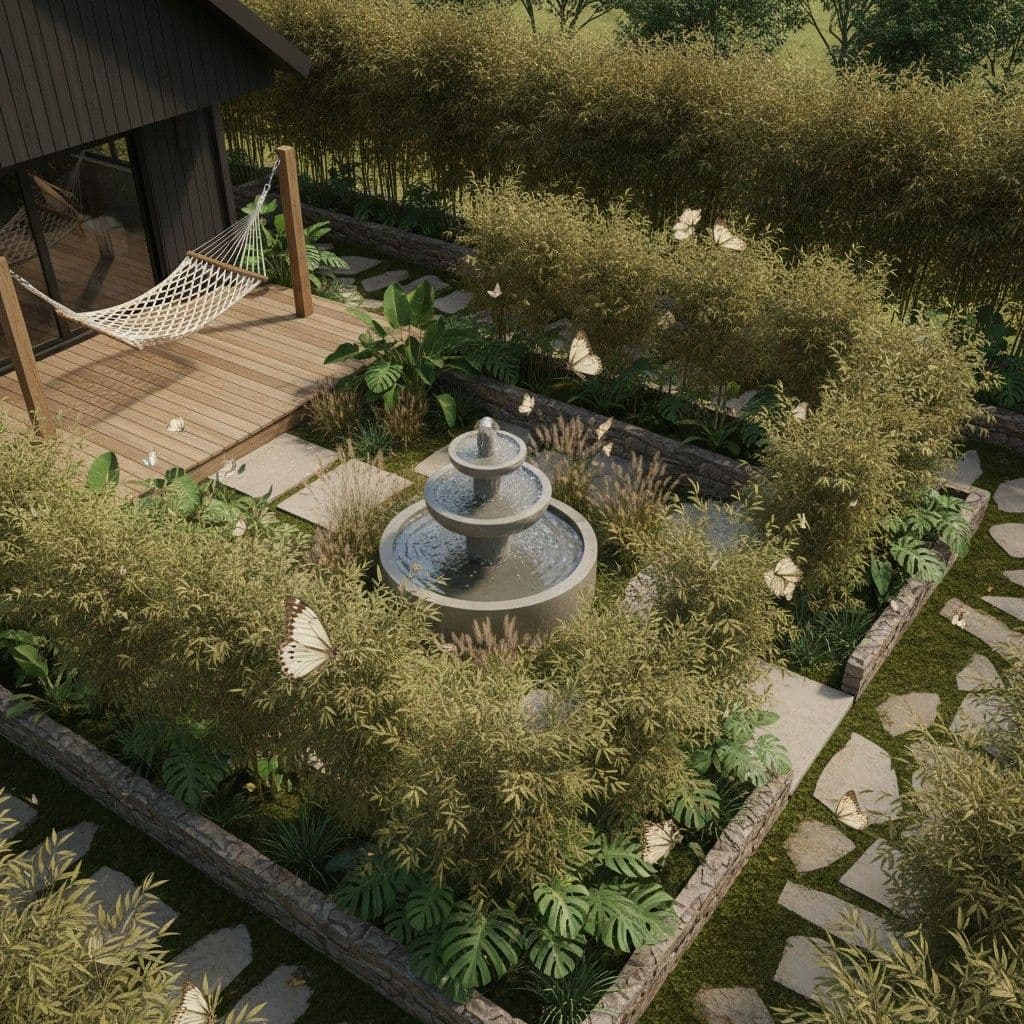
A visual proposal for homeowners is a quote that shows them a picture of the finished project on their own property, next to the scope and the price. Contractors build one by taking a photo on the site visit, generating a photorealistic concept from it, and placing that image at the front of the proposal so the number reads as "this is what you get."
Most proposals ask the homeowner to imagine. A visual proposal stops asking.
A proposal can be technically clear and still leave two people picturing completely different projects. Take a line like "new paver patio with a raised seating wall." A contractor might picture large-format limestone, clean edges and a low wall along the garden bed. The homeowner could be imagining brick pavers and a wall that blocks the view from the kitchen. Both think they understand the scope, until someone asks about materials or height. That's the risk with words alone: an expensive misunderstanding can hide inside a perfectly ordinary sentence.
What is a visual proposal?
A standard contractor proposal has a familiar shape: a cover page, a short letter about the client's goals, an about-us section, the scope of work with exclusions, an itemized fee table and a signature block. All of it is words and numbers.
A visual proposal keeps every one of those parts and adds one thing: an image of the client's own space with the work done. Not a portfolio photo from another job. Not a stock picture of a nice patio. Their house, their yard, their kitchen, finished.
That image does a job the rest of the document cannot. It turns the scope into something the homeowner can point at.
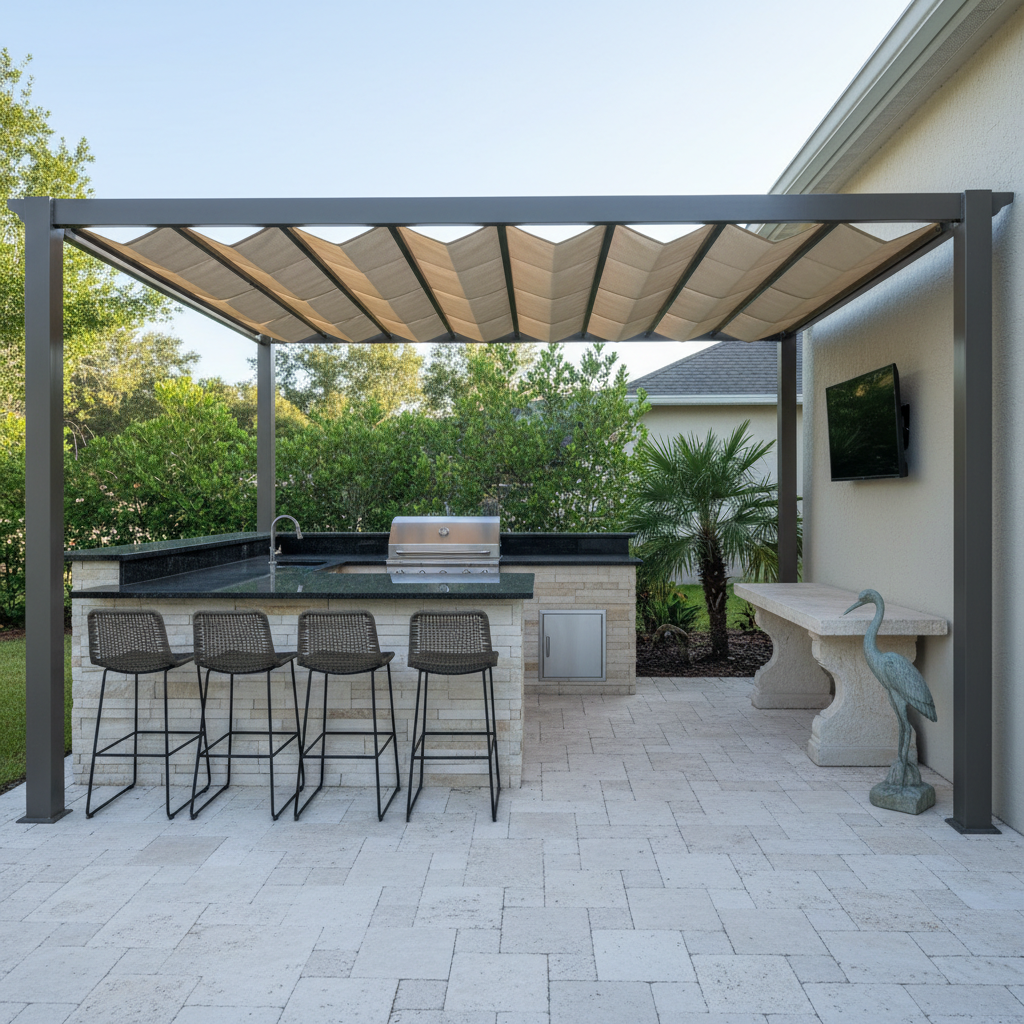
See this concept in the Renderspace gallery
More examples of finished-space concepts are in the gallery.
Why do homeowners need to see the project before they sign?
Because most people cannot read a scope of work and picture a backyard. "Travertine pavers, 14 x 20, seat wall on the north edge" is clear to you. To a homeowner it is a list of words attached to a large number.
When the picture is missing, the homeowner fills the gap themselves. Some imagine something better than what you quoted and get disappointed later. Some imagine something worse and shop the job. Most just wait, because nobody wants to sign for something they cannot see.
When they see their own space finished before the quote, they commit sooner. The conversation moves from "what will this look like" to "can we make the wall a little lower." We go deeper on this in how to show landscape clients a design before construction.
What software helps contractors create visual proposals?
You have three realistic options.
Full 3D design software. Accurate and detailed, and the right tool once a client is committed. It is also slow to build for every lead, and many of those leads will not buy.
Outsourced renderings. A freelancer or rendering studio can produce beautiful work. You wait days, you pay per image, and every change goes back into the queue.
AI rendering from a job-site photo. You take a phone photo on the visit and get a photorealistic concept in about 30 seconds, typically 20 to 40. Settings carry over, so you can change one thing at a time while the homeowner watches. This is the fastest way to get an image into a proposal the same day.
Many contractors use more than one: a quick AI concept to win the job, then full design or plans once the client says yes.
How do you build a visual proposal step by step?
- Take the right photo. Stand where the homeowner usually sees the space: the back door, the kitchen island, the curb. Shoot in daylight, level, with the whole work area in frame.
- Generate two or three concepts. One that matches what the client asked for, and one or two variations on the material or layout. Fewer, better options beat a gallery of twenty.
- Put the image first. Lead the proposal with the concept, then the scope. The picture sets the expectation; the scope confirms it.
- Label it honestly. Add a line that the image is a concept for visualization, not a construction drawing. That protects you and builds trust.
- Tie each line item to something visible. If the client can see the seat wall, the seat wall line item makes sense.
For job-specific walkthroughs, see outdoor kitchen rendering from a photo and hardscape visualization from a job-site photo.
I think too many contractors treat their proposals like invoices for work that hasn't happened yet. They'll spend hours preparing an estimate, then send over a PDF full of technical descriptions and hope the homeowner understands the value. Your proposal should sell the result, not just list the labor. Show their actual property, and get specific. Renderspace lets you prompt for particular materials, finishes and design features, whether that's travertine pavers, a cedar pergola or sculpted hedges. Give the homeowner something worth getting excited about.
What should a visual proposal not promise?
A concept image is for visualization and presentation. It is not an engineered plan, a permit set or a stamped drawing. Colors, plant sizes and exact dimensions will vary from the final build.
Say this plainly in the proposal. Homeowners respect a contractor who explains what a picture is and is not, and it keeps the image from becoming a dispute later.
What this looks like on a real job
Consider a backyard renovation where the homeowner wants to replace an aging concrete patio and patchy lawn with an outdoor entertaining area. The contractor has discussed a larger patio, a pergola and planting beds along the fence, but the homeowner hasn't settled on the finishes.
Rather than presenting a written estimate alone, the contractor could photograph the existing yard and generate a concept using Renderspace. A custom prompt might specify large-format slate pavers, a cedar pergola with warm lighting, limestone seating walls and neatly sculpted hedges. If the homeowner prefers a lighter stone or wants an outdoor kitchen included, another prompt can explore that variation.
The strongest image belongs on the first page of the proposal, followed by the corresponding scope, materials and pricing. Now the homeowner can connect the individual line items to the proposed result.
The rendering still needs to be labeled as conceptual, with final specifications determined separately. But instead of asking someone to interpret an estimate, the contractor has given them a visual starting point for making an informed decision.
Frequently asked questions
What is the difference between a visual proposal and a regular quote?
A regular quote describes the work in words and numbers. A visual proposal adds a photorealistic image of the client's own space with the work finished, so the homeowner can see what the price buys.
Can I make a visual proposal from my phone?
Yes. With an AI rendering tool you can take a photo on the site visit and generate a concept from it in about 30 seconds, then drop the image into your proposal.
Are AI renderings accurate enough to put in a proposal?
They are accurate enough to show the idea: layout, materials, style and how it sits on the property. They are not measured drawings, so label them as concepts and keep exact specs in the scope.
Can I use the images on my website and social media too?
On every paid Renderspace plan you can use the renders in proposals, on your website, on social and in ads. Reselling the images is not allowed.
I built Renderspace because I believe contractors shouldn't have to choose between expensive design presentations and plain written estimates. A good proposal should communicate the vision as clearly as the price. And that vision needs flexibility. If a homeowner wants marble instead of slate or an entirely different landscaping style, contractors should be able to show them without starting over.
The proposal that gets signed is the one they can already see
Think about the next quote you send. The homeowner opens it at the kitchen table after dinner. Page one is not your logo or a block of text. It is their own backyard, finished: the patio where the dead grass is, the kitchen where the old grill sits, in warm late-afternoon light.
They are not imagining anymore. They are deciding.
Now think about the contractor bidding against you. Their proposal says "rendering available after deposit" or "drawings next week." Yours already shows the finished space. Fast photorealistic concepts help contractors win bids faster, because homeowners commit sooner when they see their own space finished before the quote.
You do not need a design team or a new process to try this. You need one photo from your next site visit.
The First Job Test is $19.99 for 40 credits over 7 days. It works from a phone photo, and each concept takes about 30 seconds. Use it on one real proposal this week and see what the homeowner says.
If you would rather have a set of finished concepts made for you, Human Polish does that.
Related reading
- How Landscape Contractors Show Clients a Design Before Construction
Standing in a backyard describing a patio with your hands is a hard sell. Showing the same idea on their actual property, in minutes, changes the conversation.
- Outdoor Kitchen Rendering: From Job-Site Photo to Client Presentation
Outdoor kitchens are hard to describe and easy to downscope when clients cannot picture them. Photo-to-concept visualization on-site keeps the full vision on the table.
- Hardscape Visualization: Turn a Job-Site Photo Into a Client-Ready Concept
Hardscape sells on permanence, which makes it hard to sell with words alone. A photo-to-concept workflow on-site closes the picturing gap without replacing engineering.