
What to Include in a Landscaping Proposal
The eight things a landscaping proposal should include, where the picture of the finished yard belongs, and how to keep the proposal from getting cut.
By KeSean Fallon
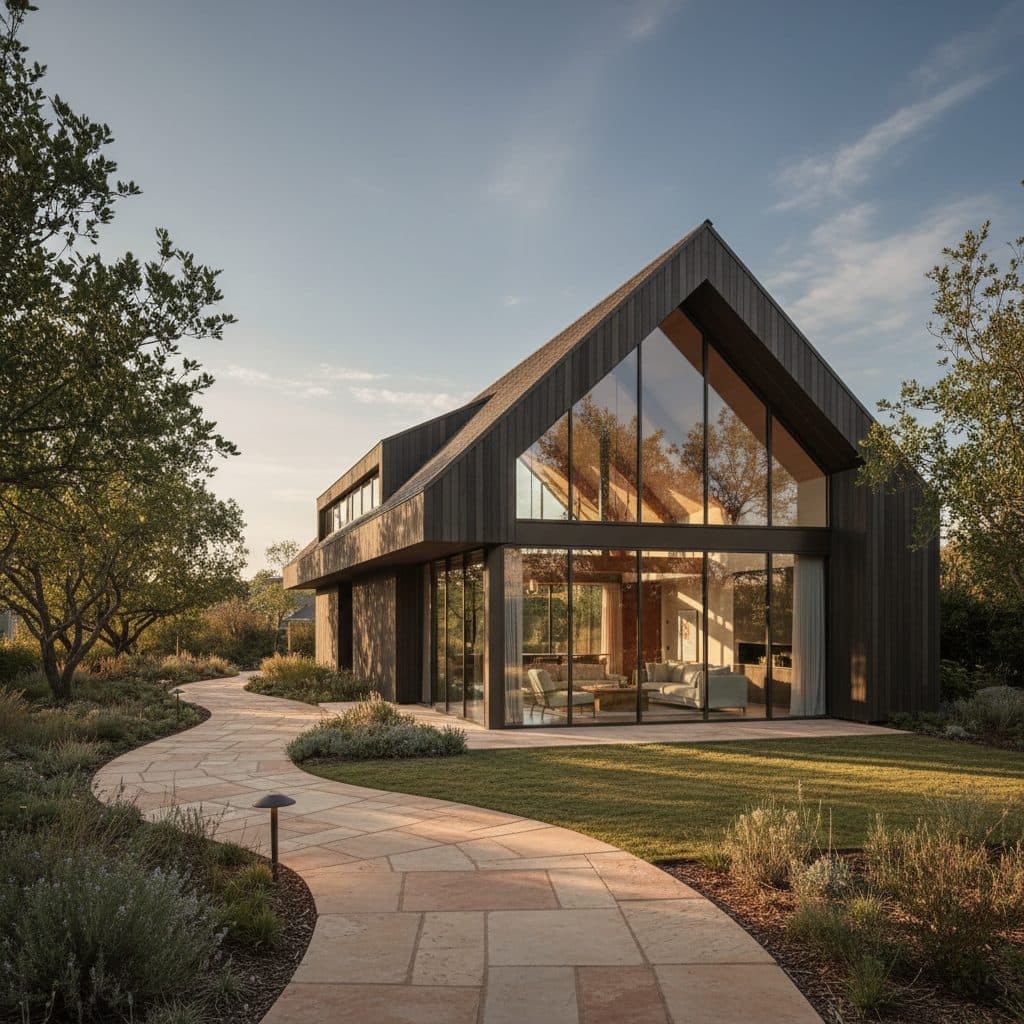
A landscaping proposal should include a short introduction, a clear scope of work, an itemized price with payment terms, a timeline, proof you can be trusted (insurance, licenses, reviews), a place to sign, and a picture of the finished project on the client's own property. Most proposals cover the paperwork well. The picture is the part that is usually missing, and it is the part the homeowner reads first.
A proposal is not just a price sheet. It is the only part of your sales process the homeowner takes to the kitchen table and compares with everyone else's.
One thing I've come to appreciate about landscaping proposals is how easily a contractor's expertise can get buried under paperwork. You can spend hours preparing accurate quantities, material specifications and labor costs, only to hand the homeowner something that looks like an invoice for a project that doesn't exist yet. They understand the price, but not necessarily the vision behind it. I think that's where contractors lose an opportunity. A proposal should make someone excited about what they're building, not force them to translate a list of materials into a backyard they've never seen.
What should a landscaping proposal include?
Industry guides agree on the core. Houzz Pro's landscape proposal template, updated in March 2026, lists a cover letter, about us, team, scope of work, timeline, licenses and certifications, testimonials, cost and payment terms, and acceptance and signatures, with visuals, a contract and a portfolio as optional extras (Houzz Pro). Arborgold's list adds insurance certificates and a business card, and puts visuals such as CAD drawings, illustrations or renderings in the main list (Arborgold).
Here is a practical version for a design-build landscaper:
- A short cover note. Who you are and what you heard the client ask for, in a few sentences.
- The finished project, pictured. A concept of their yard with the work done.
- Scope of work. What you will build, with materials named: "travertine patio, about 400 sq ft," not "patio."
- Itemized price. Labor, materials and equipment by section, with optional upgrades listed separately.
- Timeline. Start window, duration and what could move it.
- Payment terms. Deposit, progress payments, final payment.
- Trust. Insurance, licenses where required, reviews or past work.
- Acceptance. A clear place to sign and date, ideally electronically.
Why do so many proposals leave out the picture?
Because it used to be expensive. A design drawing or a 3D rendering took hours, or days through a designer, for a job you had not won yet. So the visual became "optional," and proposals became scope plus price.
That leaves the homeowner doing the hardest part alone: turning "flagstone path, 3 boxwoods, 2 path lights" into a picture of their front yard. Many cannot. So they compare the one thing they do understand, the total.
I think contractors skip visuals because they've been conditioned to associate good renderings with expensive designers, complicated software and days of waiting. When you're quoting multiple jobs, that expense adds up quickly. But the alternative shouldn't be sending a plain estimate and hoping the homeowner understands your vision. That's why I built Renderspace around fast visualization and flexible prompting. You should be able to show a client their actual yard with specific materials, plants and design features without investing hours into a presentation for a job you haven't won.
Where should the visual go in a landscaping proposal?
Put it first, right after the cover note. The picture tells the homeowner what they are buying; the scope and price explain it. When the price comes after the picture, it reads as the cost of something they already want, not a number to compare.
With an AI rendering tool, the visual no longer has to be expensive. You take a phone photo on the site visit and generate a photorealistic concept of their yard with the project in place. With Renderspace it typically takes about 30 seconds, downloads a full-size image for the proposal page, and every paid plan may use renders in proposals.
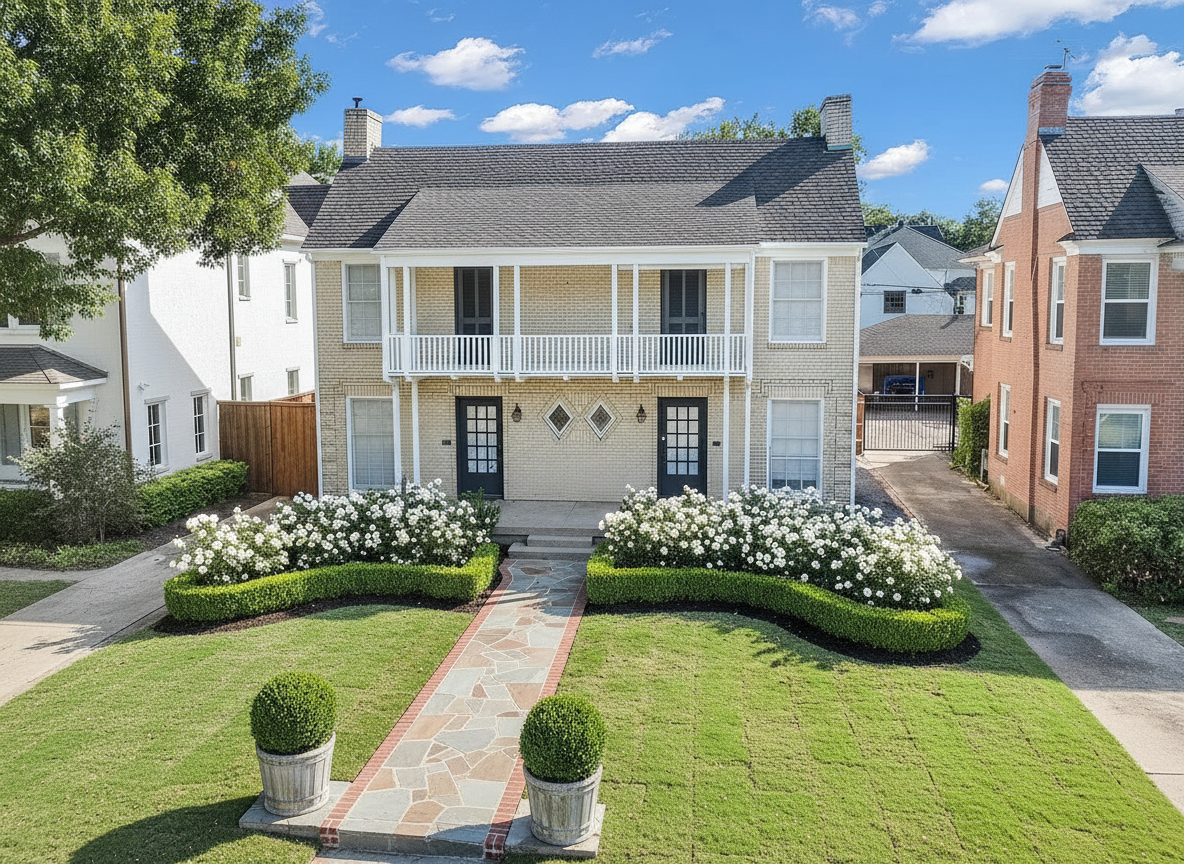
See this concept in the Renderspace gallery
Label it as a concept. It is for visualization and presentation, not a construction drawing, a permit set or an engineered plan. For a full walkthrough of building one, see visual proposals for homeowners.
How do you keep a proposal from getting cut down?
List optional upgrades separately, with their own price, so the client can choose rather than cut. Keep the core scope tight. And if an option matters, show it: one concept with the upgrade and one without, from the same photo. Settings carry over, so the second render changes only that one thing. More on pricing your work without discounting in how to win more landscaping bids.
One mistake I'd tell contractors to fix immediately is presenting a single lump-sum price without helping the homeowner understand what's included. A $25,000 landscape proposal might include extensive site preparation, natural stone, drainage and lighting, but none of that is obvious from the total. Break down the scope, explain where the money goes, and show what the finished project looks like. Don't overwhelm them with ten design options, either. Give them a clear recommendation and one alternative. Make the decision easier, not more complicated.
What this looks like on a real job
Here's exactly how I'd build the next front-yard landscaping proposal using Renderspace. During the site visit, I'd photograph the house from the curb, capturing the existing lawn, driveway and walkway.
For page one, I'd generate a concept featuring a natural limestone walkway, sculpted boxwood hedges, native planting beds and warm bronze landscape lighting. Renderspace's custom prompts would let me specify the stone finish, planting arrangement and architectural details rather than relying on a generic landscaping style.
Page two would explain the scope, including site preparation, hardscape installation, plant selections and lighting. Page three would contain the itemized pricing and payment terms.
I'd also include a second concept showing the same yard with a bluestone walkway instead of limestone, priced as an alternative. That gives the homeowner a meaningful choice without changing the entire proposal.
Frequently asked questions
How long should a landscaping proposal be?
Long enough to make the scope and price clear, and no longer. For most residential jobs that is a few pages: a picture, the scope, the price, terms and a signature line.
Should a landscaping proposal include a rendering?
It does not have to, but it helps the homeowner understand what they are buying. A concept from a job-site photo can go on the first page so the scope and price explain a project they can already see.
Should I list optional upgrades separately?
Yes. Separate options let the client choose what to add instead of cutting items from one big total.
Put the yard on page one and the price on page three
Think about the order a homeowner reads your proposal in. If page one is a logo and page two is a column of numbers, the first real thing they meet is the total. Everything after that is an argument against it.
Flip the order. Page one is their own front yard, finished: the walkway they asked about, the planting, the lighting. Page two says what it takes to build. Page three is the price of something they have already decided they want.
That is what a fast photorealistic concept does for a proposal. It helps contractors win bids faster, because homeowners commit sooner when they see their own space finished before the quote. And if they ask for limestone instead of brick, you can show that too, without starting over, because settings carry over and the rest of the yard stays put.
I built Renderspace because I want every homeowner to understand exactly what their contractor is proposing before they sign. Not just the price, but the actual vision. If they want different stone, specific plant varieties or another layout, they should be able to explore those choices while the conversation is happening.
Try it on your next proposal. The Intro Plan is $19.99 a week for 40 credits (renews weekly until you cancel), and it works from a phone photo. See every plan on the pricing page.
Want the concepts made for you? Human Polish render packs handle it.
Related reading
- Visual Proposals for Homeowners: Show the Finished Job
What a visual proposal is, why homeowners sign sooner when they can see the finished job, and how to build one from a site photo step by step.
- How to Win More Landscaping Bids Without Cutting Price
Why landscapers lose bids they should have won, how to choose and price the right jobs, and how a picture of the client's own yard makes your proposal the easy yes.
- HOA Landscape Presentation Packages: What to Include for Design Review
A practical checklist for HOA and design-review submissions, with clear scope on what presentation packages include — and what approval authority remains with the association.